Description
HOW TO MAKE PICS: just get the pictures folder and drag the file onto the screen. Then it just visualises and becomes a picture in the material that you have selected, so if you select mochi and drag a picture file onto the screen it makes a mochi picture.
OE-Cake stands for the Octave Engine... Cake...
It's basically a larger, better, more awesome-in-every-way version of the Falling Sands Game.
Anyway, I love OE-Cake so much I made a solid 60FPS movie and as the name suggests, it's run entirely at 60FPS for your ultimate viewing pleasure. -.^ (It's recorded at about 3-20 FPS fixed to a solid time-line so when it's played back at 60FPS it looks... GREAT :D)
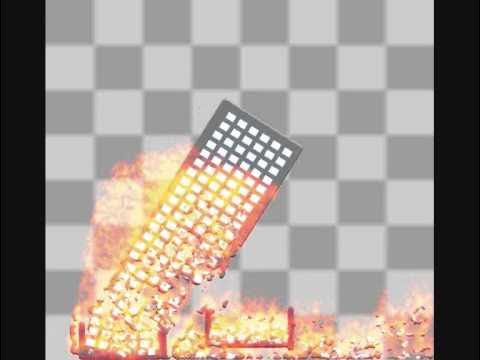
As you may have noticed, OE-Cake's unique Octave Engine can process raw pictures and transform them into materials selected in the game. Throughout the video I hurriedly... and improvised...ly... (?) created pictures in Paint and dragged them straight from 'My Pictures' to the game window. The material you have selected will create the picture in-game and treat it physically.
OE-Cake, sadly, can no longer be downloaded from their official website any more. BUT: You can go HERE to download it
http://www.megaupload.com/?d=MKG0BG0F
or HERE to follow the tutorial if the first link no longer works
http://www.youtube.com/watch?v=LELQtBfmy7s&feature=related
Thanks 01DOGG01 (for the tutorial)
OE-Cake only uses one CPU core, so your dual or quads will be useless here (unless like me, you like running 4 different OE-Cakes at once for the hell of it :P)
I'm sure there are a lot of tutorials out there on Youtube that'll show you how to use it, but here's a quick mixing guide. In OE-Cake, press Escape once (it toggles on and off) and type in the letters for the material properties you want. If I wanted to combine fuel with gas, I get gas, which IS FLAMABLE :D! Fuel is F and gas is G, so I'll type [Escape] [ F ] [ G ]
If I wanted it to be a flammable gas, but act like mochi (basically flammable mochi that floats) then I'd type (after pressing escape twice; Once to toggle the mix you just made off, then again to turn mixing on for new materials that you're about to type) F (to make it flamable) M (for mochi to make it sticky and squishy) and G (to make it float) and draw it inside the window.
HAVE FUN!
Songs:
Kitten on the Keys - Played by Frederick Hodges http://www.frederickhodges.com/
'The Beast' by Milt Buckner, a famous Jazz pianist and organist. You may know it as the Battlefield: Bad Company theme music. I love that game xD